Great practices run on a great assistant manager.
Every practice has someone who holds it together: who knows which patients haven't confirmed, which claim is stuck, which chair is about to go empty, and what the doctor needs before the next appointment. That person is stretched thin, and when they're out, things slip.
ChairCommand is that assistant manager, built as software. It watches your practice's data all day, works out what needs attention, explains why, drafts the work and hands it to the right person for a quick approval. Your team keeps the judgment and the patient relationships. The system carries the checklist.
It isn't another system to learn, and it isn't a rip-and-replace of the PMS you already trust. It's a read-only layer on top, designed to make the practice you already have run cleaner: fuller schedules, fewer surprises, clearer priorities, and more of everyone's day spent on patients.
What changes on a normal day.
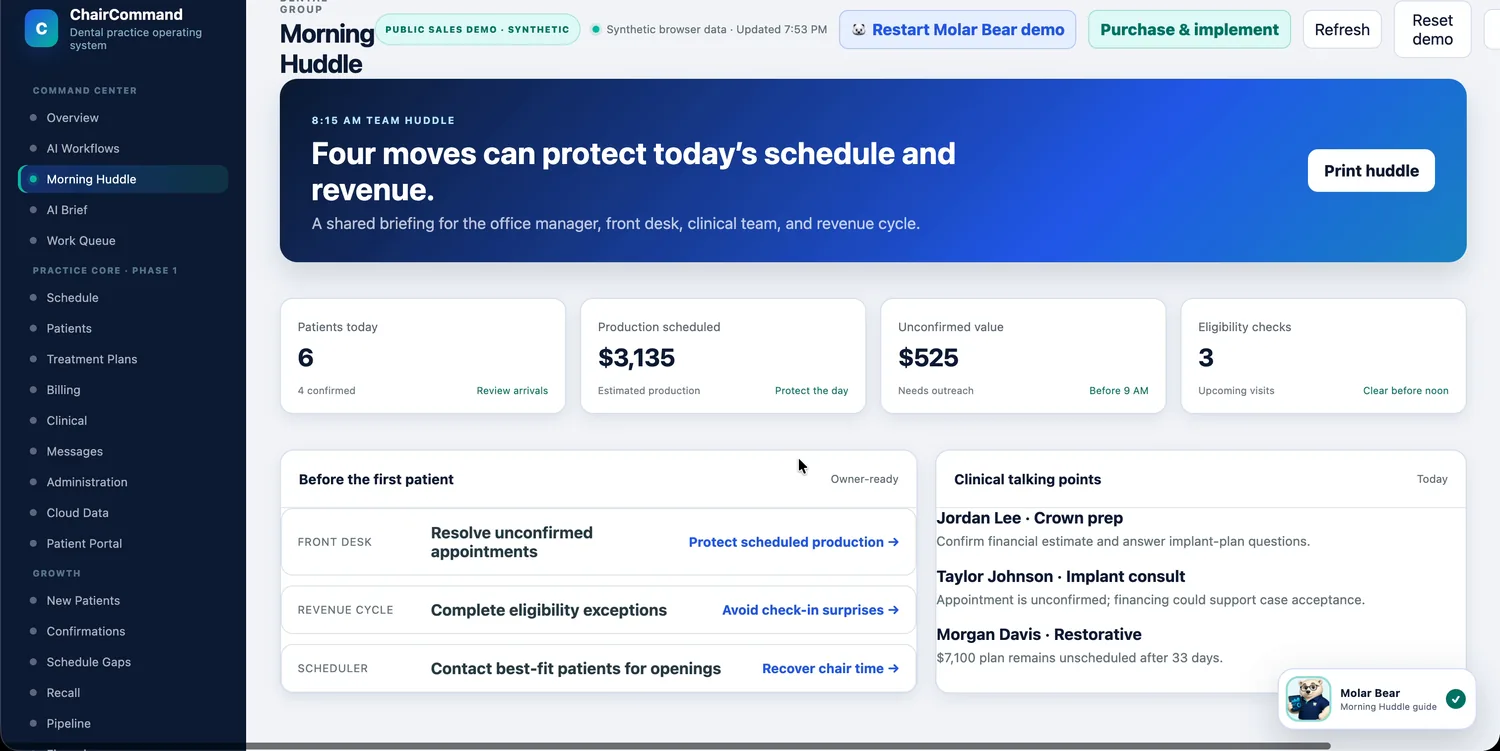
The day starts with a plan, not a scramble.
The Morning Huddle gives the office manager, front desk, clinical team and revenue cycle one shared briefing: who's coming, what needs confirming, what to clear before noon, and what to talk about before the first patient.
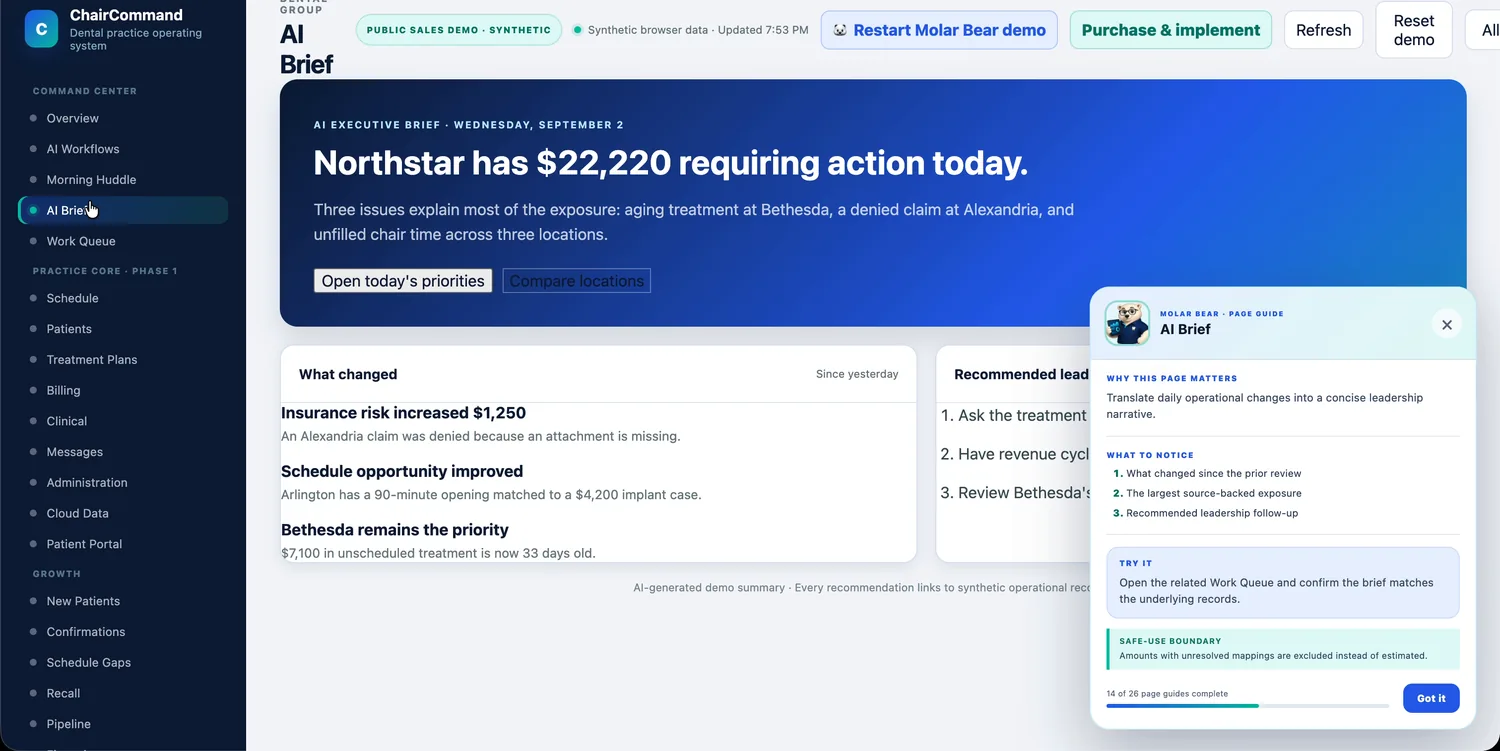
Leadership gets one short brief, not three dashboards.
The AI Brief reads like a note from a chief of staff: what changed since yesterday, what needs attention, and which location needs a call. It's a few sentences, not a spreadsheet someone has to interpret.
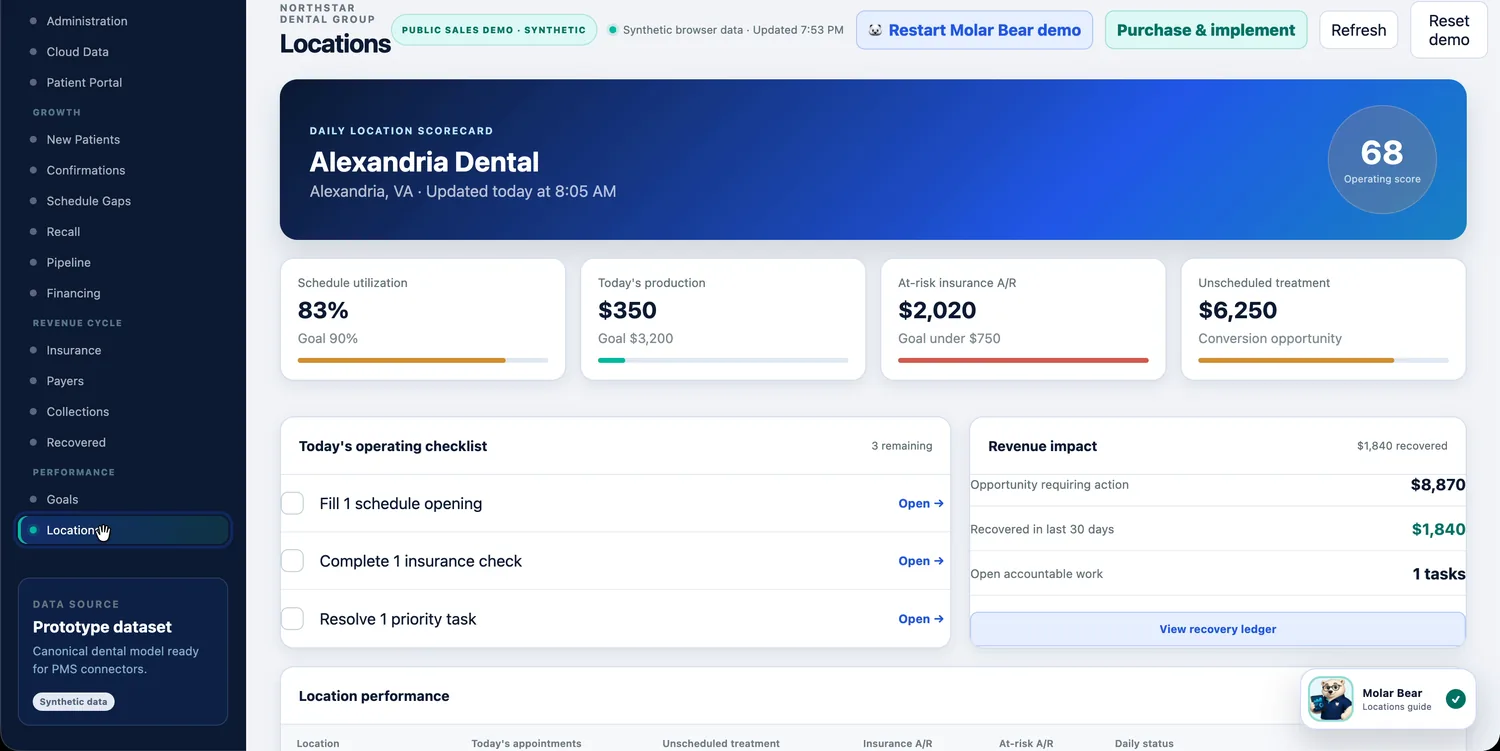
Every location held to the same daily checklist.
Each office gets its own operating score, its own gap to goal and a short, specific checklist (fill this opening, resolve this claim), so "how's that location doing?" has an actual answer instead of a guess.
Built for practices that have outgrown running on memory.
Independent & growing practices
You don't have a full operations department, and you shouldn't need one. ChairCommand gives a lean team the planning, follow-up and visibility that usually takes extra headcount, so a small practice can run like a well-staffed one.
Multi-location groups & DSOs
Once a group crosses two or three locations, "ask the office manager" stops working as a management strategy. ChairCommand gives ownership and regional leaders one consistent scorecard and the same daily workflow across every office.
A layer on top of your data, not a new place for it to live.
ChairCommand is built to sit alongside clinical software, not to become another system that holds your patient records.
Read-only by default
ChairCommand reads scheduling, production and treatment data from your PMS. It doesn't write back to the chart or touch clinical records.
API-based, not a rip-and-replace
Connection happens through your existing PMS's API. There's no migration, and your team keeps working in the system they already know.
People stay in control
AI drafts and recommends. Your staff approves anything that goes to a patient or a payer, and every approval is recorded in an audit log.
Compliance details, on request
[Data-handling, HIPAA and security documentation available during onboarding — confirm current certifications before publishing.]